

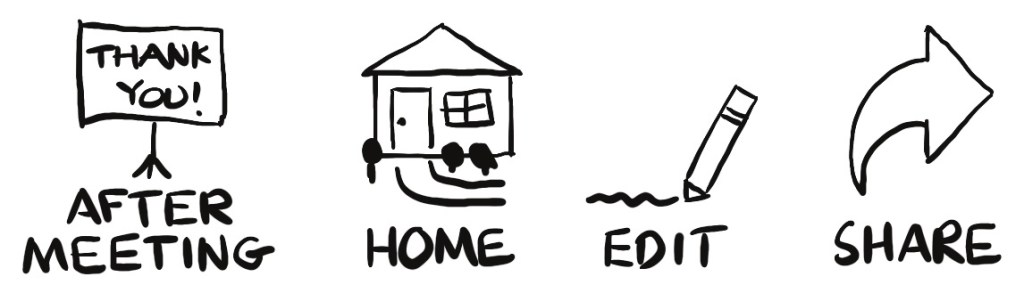
Reviewing notes is an important part of moving information into long-term memory. As soon as a presenter has concluded, I look over my notes to make sure I didn’t miss anything, make small corrections for misspellings, and complete visual elements as needed. I also look at my notes again when I’m settled back at home. Another opportunity for review is when I digitize or edit notes. Before I share notes with others, I study them one more time.
Share your notes
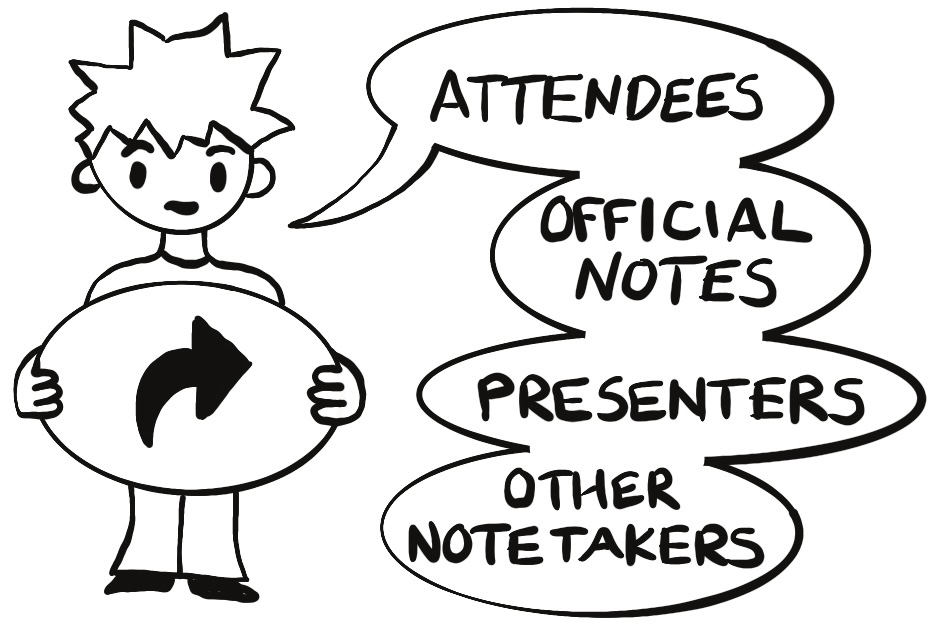
Since many people are interested in looking at visual notes, find ways to share your notes with others. Basic and advanced ways to share notes include …
Digitize your notes. Use your phone’s camera app or a scanner app to capture your note. Several scanning apps allow you to save the image as black-and-white (good when taking notes in one color), color, or a photo.
Show your notes in person. As you take visual notes, those around you will notice your note style is different and will likely be interested.
Share on social media. Instagram, X, Threads, Pinterest, LinkedIn, and many other apps are great for sharing photos. Caption these with a brief description of what the note is about and use hashtags, if desired.
IMAGE
Look At My Notes
This post is from Look At My Notes! How to take and share visual notes. It is available at Amazon.com.
Visual notes consist of text and graphical elements arranged to enhance learning. Because emphasizing content visually makes it memorable, visual notes are ideal for learning, training, and handouts.
In Look At My Notes you will learn (1) how to take and share visual notes with others, (2) why visual notes are effective, and (3) what to include in your visual notes.
 Notes For Learning